J_PartRemoveUpNodes
Remove notches and smooths from parts
Find it in: JPattern Part toolbar
Sometimes when you add corner smoothing and notches to boundaries they are also added to the part containing it. This, when you export the model, may lead to problems in some cutting machine. Use this command to automatically remove all of such entities from the parts if they are used by a boundary in the same part.
Steps
- Click Yes in the message box to confirm the command
J_MarkerAddCrvToPart
Add a marker to a part using a curve
Find it in pattern parts context menu
This command adds a marker to the clicked part for each curve you select
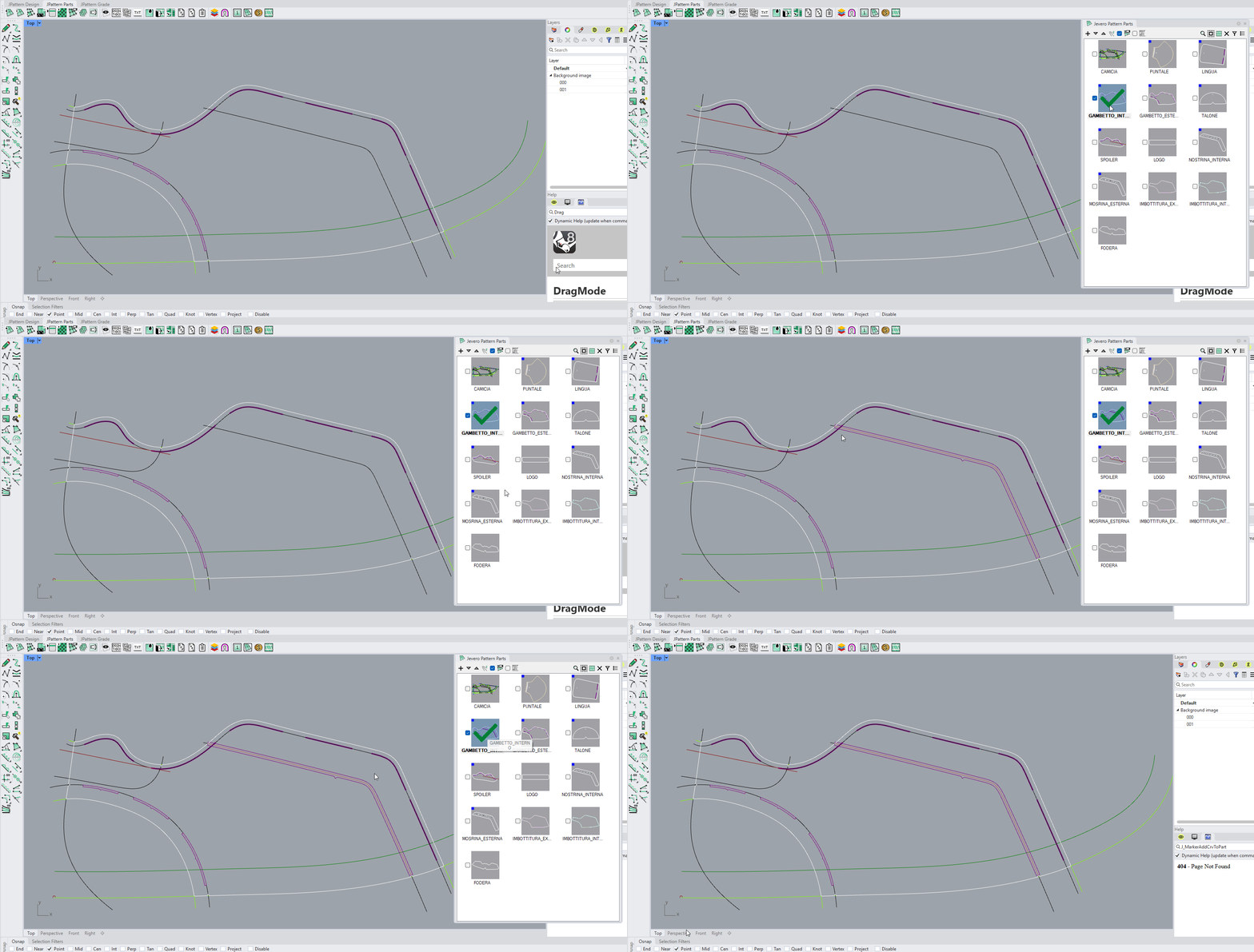
Steps
- Right-click on a part to show the context menu
- Click on Add objects as marker
- Select the curves to use
A marker object will be created on each selected curve and added to the clicked part