J_ShowModelQualityAnalyser
Open or show the Model Quality Analyser panel
The Model Quality Analyser lets you check at a glance if your model has any potential issue that can cause malfunctions when working with curves, chains, grading, etc.
You can fix such issues one by one, so that your model is clean and tidy.
Find it in: Rhino Panels menu >> Jevero Model Analyser
Remarks
The panel is divided into four tabbed pages:
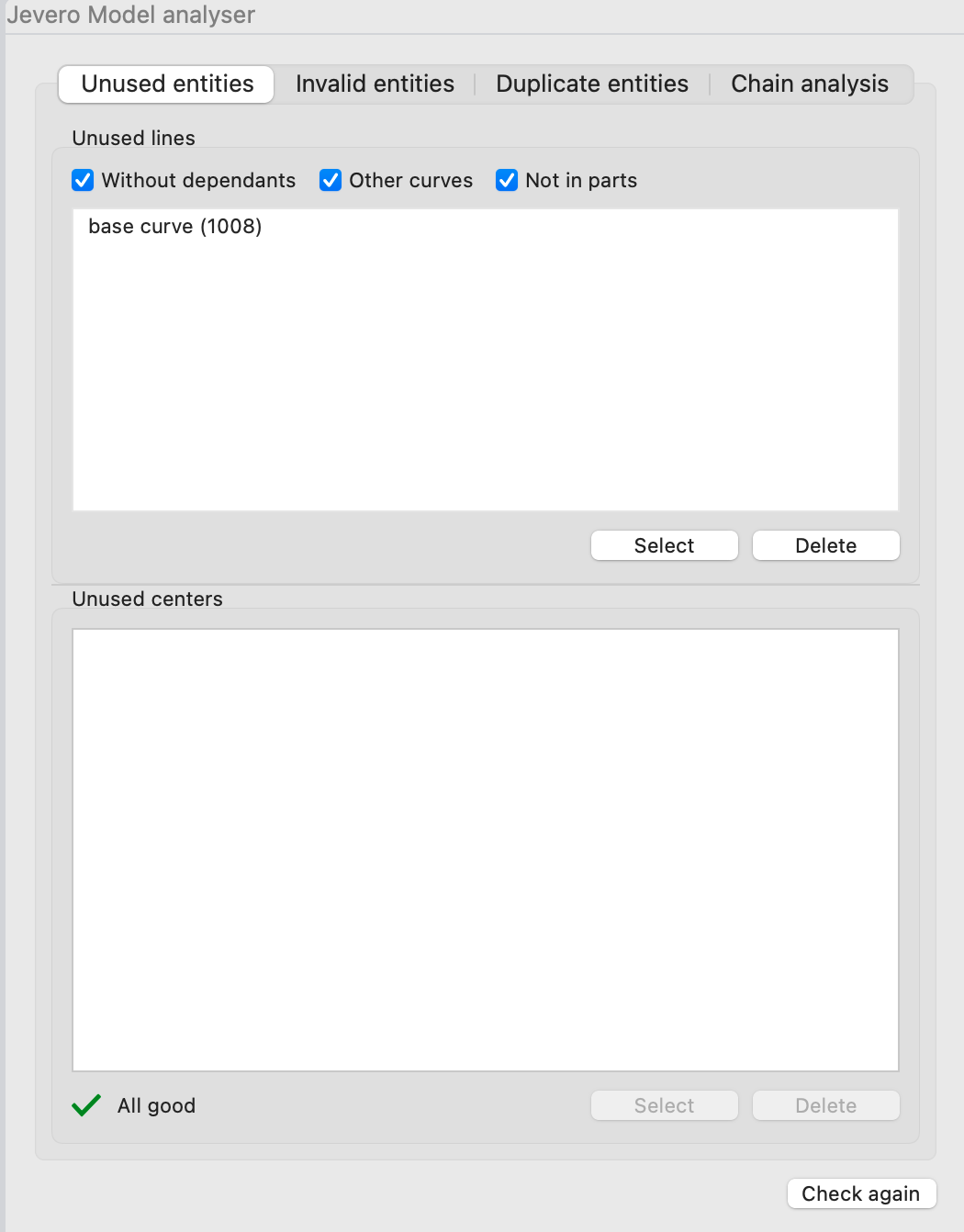
- Unused entities - here some curves that are not used for certain workflows are listed, in addition to unused grade centers
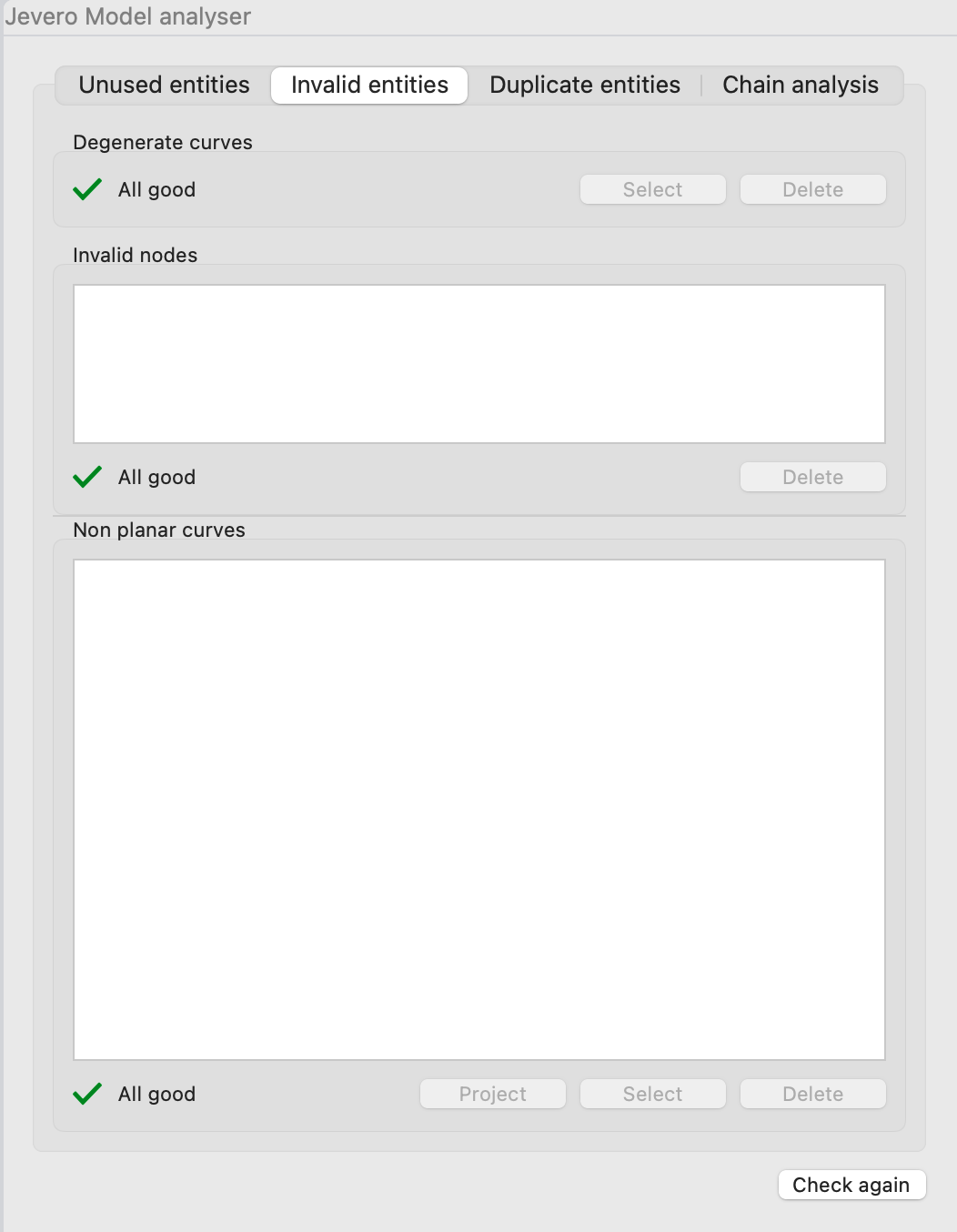
- Invalid entities - degenerate curve (too small) and non planar curves are listed here
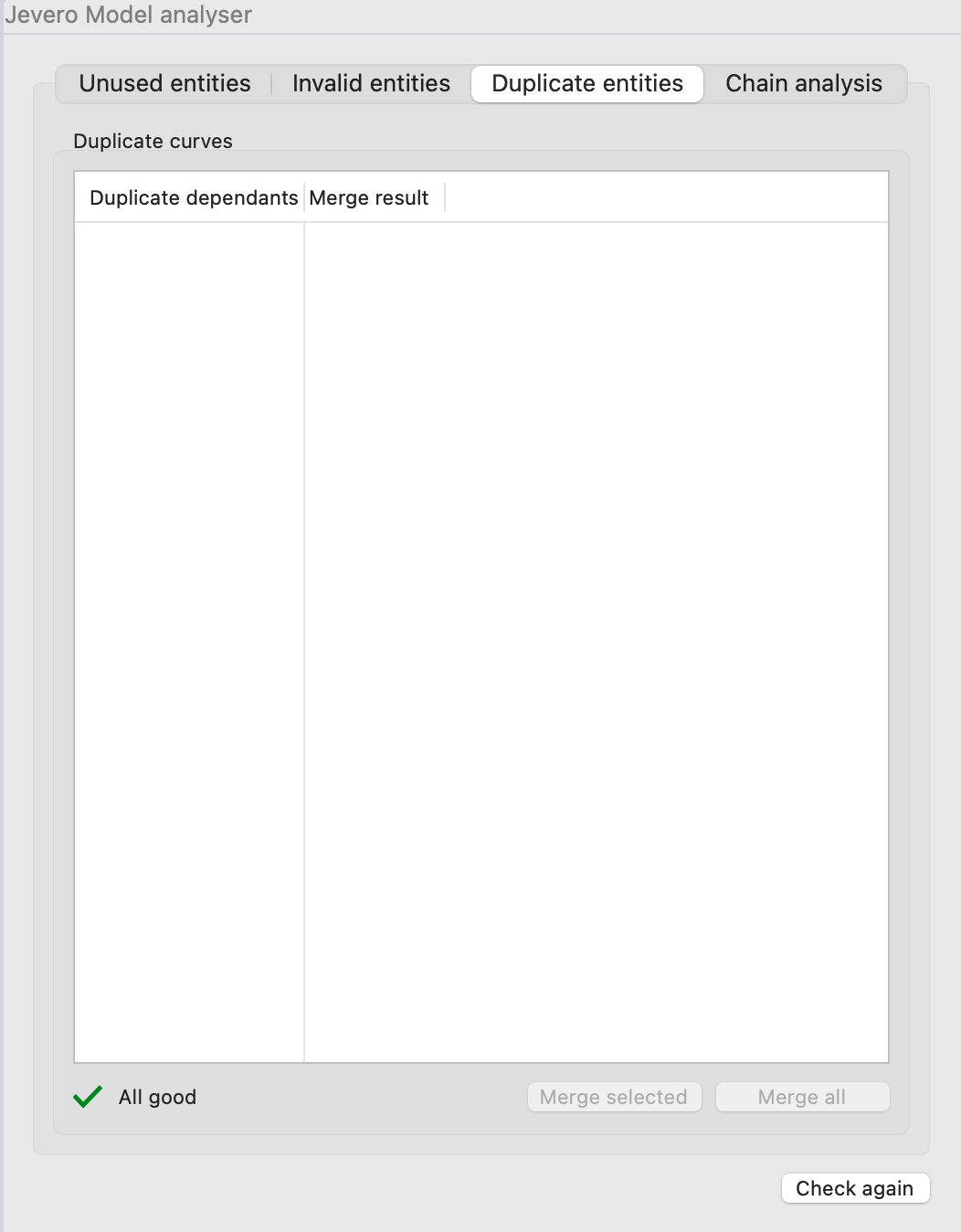
- Duplicated entities - sometimes the same geometries are copied and used multiple times, but they can be
merged into a unique entity (especially if you want a change in that geometry to reflect in all places where the same geometry is used)
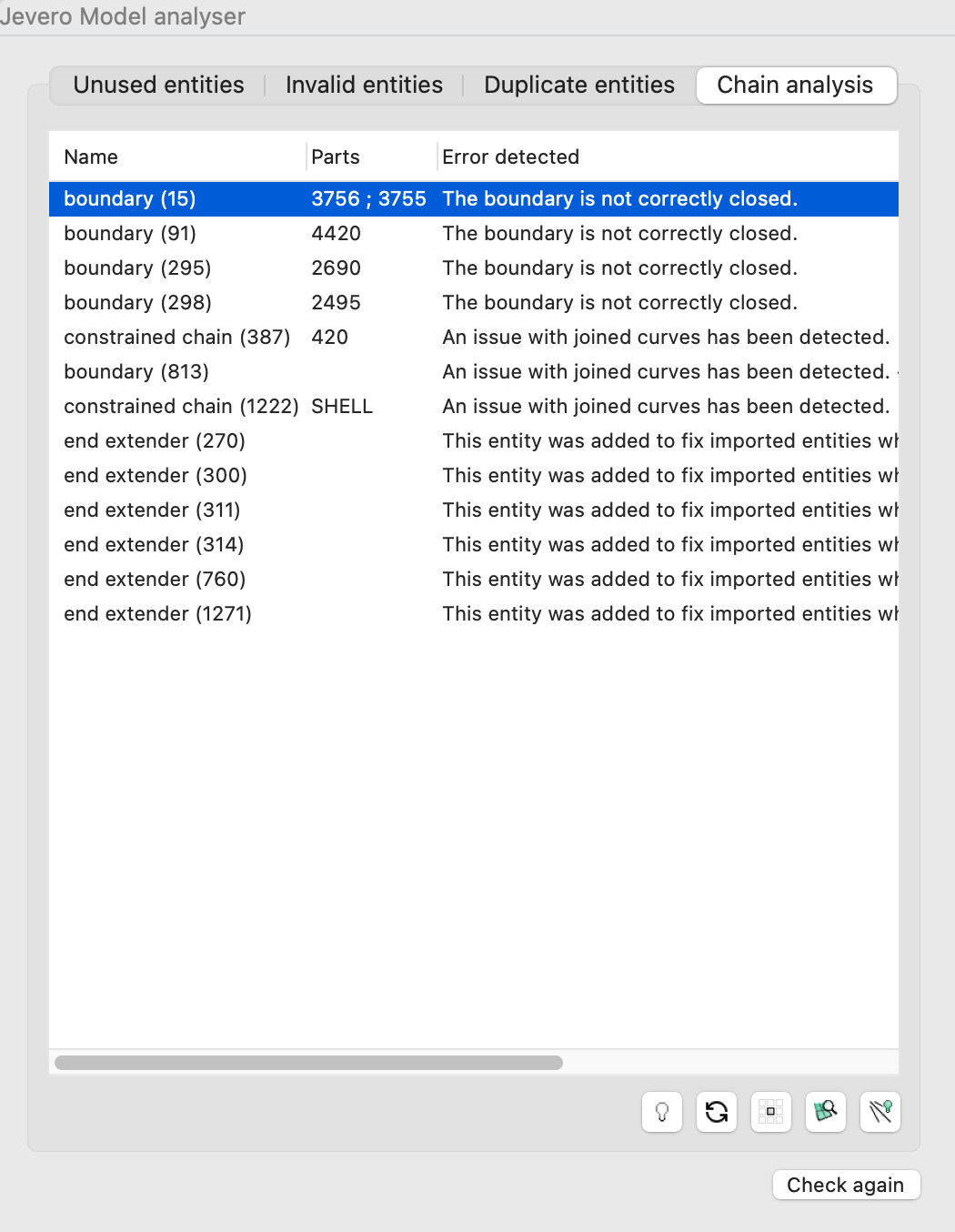
- Chain Analysis - sometimes chains break because intersections are tricky or boundaries are not correctly closed; this tool helps you identify such issues and fix them
Unused entities
The unused entities list shows all possible curves that meet some criteria, such as:
- all curves that has no dependants
- all curves that do not belong to any part
- other additional curves that are not directly related to the model
Such curves can be selected to highlight them in the viewport, or even deleted straightaway to cleanup the model from unnecessary geometries.
Note: this is equivalent to calling the J_SelectUnusedCurves command
The unused centers list is very similar: all centers that are not linked to any curve with grading rules are listed, and can either be selected or deleted.
Invalid entities
The invalid entities section shows:
- degenerate curves, that is curves which are too small to be significant to the model (e.g. zero-length curves can be troublesome when exporting shapes and paths for cutting machines)
- invalid nodes, when some node has a corrupted geometry
- non planar curves, since as already mentioned Jevero is not happy with 3D curves, and all geometries need to be flat on the XY plane
All these entities, can be selected, deleted or - for the non planar ones - projected onto the XY plane.
Duplicate entities
Sometimes you can reuse the same geometry instead of having multiple copies. This section detects such copies and allows you to merge some of them or all at once.
Note: this is equivalent to calling the J_MergeDuplicateDependants command
Chain Analysis
In this section all broken chains and boundaries are listed. For each item, you can see which parts they are contained in and what kind of error is detected.
If you double-click an item, the selected chain or boundary enters the edit mode, so that chain hints can be rearranged and fixed.
Below the list of of chains and boundaries, some buttons provide a way to:
- toggle a highlight preview of the selected chain/boundary and its error's location
- refresh the list
- isolate the selected chain/boundary
- isolate the entire part containg the selcted chain/boundary
- toggle the master, to show back all the model